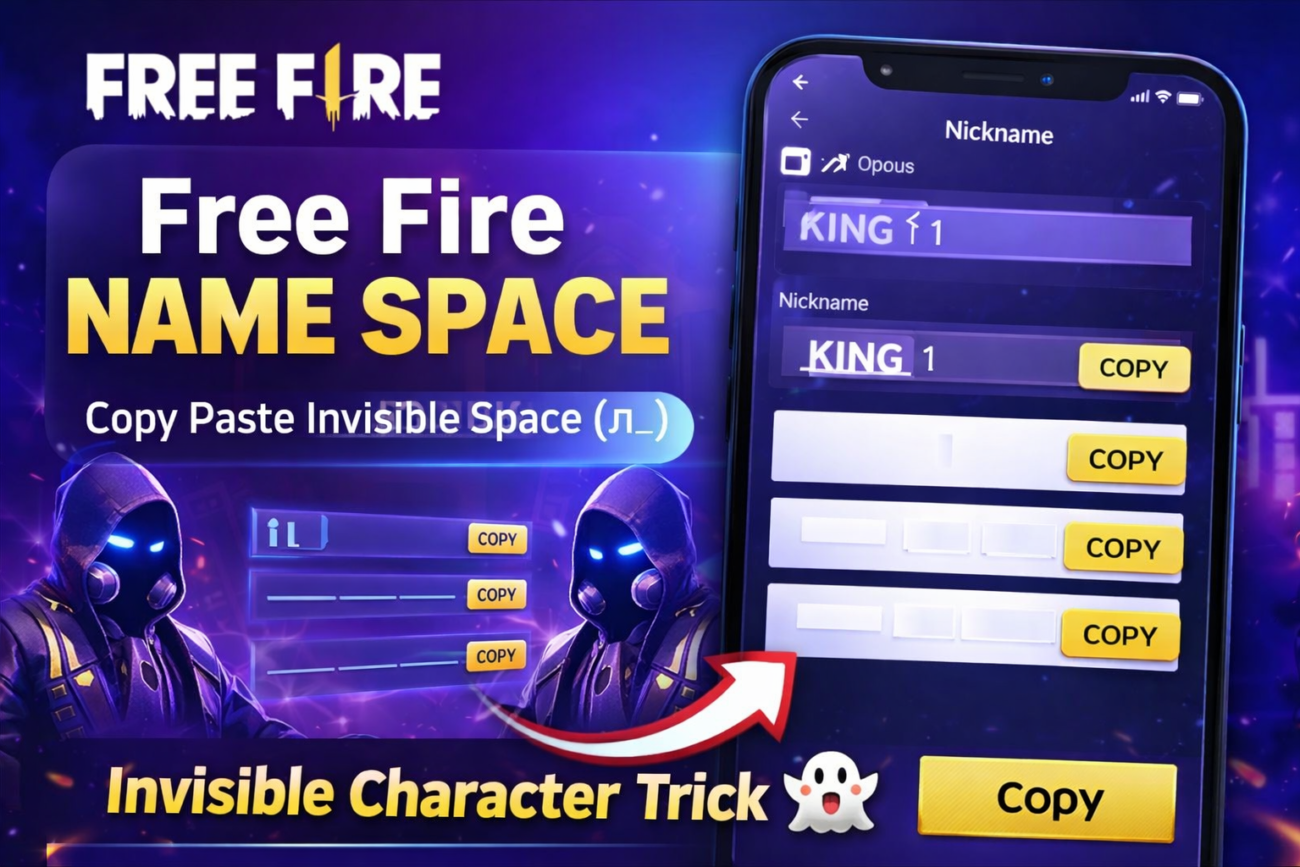
Introduction to Free Fire Name Space
In the world of Free Fire, creating a unique gamer tag is essential for standing out among millions of players. One effective way to personalize your nickname is by using a free fire name space or invisible characters. This blog post will guide you on how to effortlessly use free fire invisible space to add style to your FF name.
Free Fire Name Space Copy Paste
Click the button below to copy the invisible space and paste it into your Free Fire nickname.
Copy-Paste Method for Invisible Characters
Utilizing ff nickname space copy paste consists of a simple process. Start by copying the invisible character from this text: . You can easily find several online resources that provide lists of free fire invisible space characters. Once you copy one of them, navigate to your Free Fire account settings where you can change your nickname. Paste the copied invisible character wherever you want a blank space in your name. This method allows you to have creative and stylish names without them being too cluttered.
Creating Stylish FF Names
When choosing a name, it’s essential to keep it engaging. Employ creative combinations of letters, symbols, and free fire blank space name techniques to craft a unique gamer tag. Many players opt for free fire invisible character names to make their profiles look intriguing. Remember, simplicity is key; your target audience should understand and easily remember your name.
Reasons for Using Blank Space Names
Players often use blank space names in Free Fire for various reasons. Firstly, it adds an element of mystery to their online persona. Moreover, it helps to create visually appealing names that attract attention in matches. Utilizing invisible spaces can also enhance your status in the gaming community as a creative player.
By following these tips and tricks, you can create a stunning gaming alias that represents your style while utilizing the free fire space name trick effectively. Happy gaming!
Free Fire Name Space Copy Paste (Invisible Character)
If you want to create a blank space or invisible name in Free Fire, you can copy the invisible characters given below and paste them into your FF nickname.
Steps:
- Copy the invisible space from below
- Open Free Fire
- Go to Profile → Change Nickname
- Paste the space and create your stylish name
Copy Invisible Space:
(ㅤ)
(ㅤㅤ)
(ㅤㅤㅤ)
Simply copy the blank space inside the brackets and paste it into your Free Fire nickname.
Example Free Fire Names With Space
ProㅤKing
DarkㅤFF
LegendㅤGaming
Using this trick, you can create a unique and stylish Free Fire name with space.
