Introduction to Free Fire Bio Colour Codes
In the popular game Free Fire, players often seek ways to personalize their profiles. One effective way to do this is by using colour codes in their bios. This post provides the latest FF bio colour codes that users can easily copy and paste to make their profiles stylish and unique.
Popular FF Colour Codes
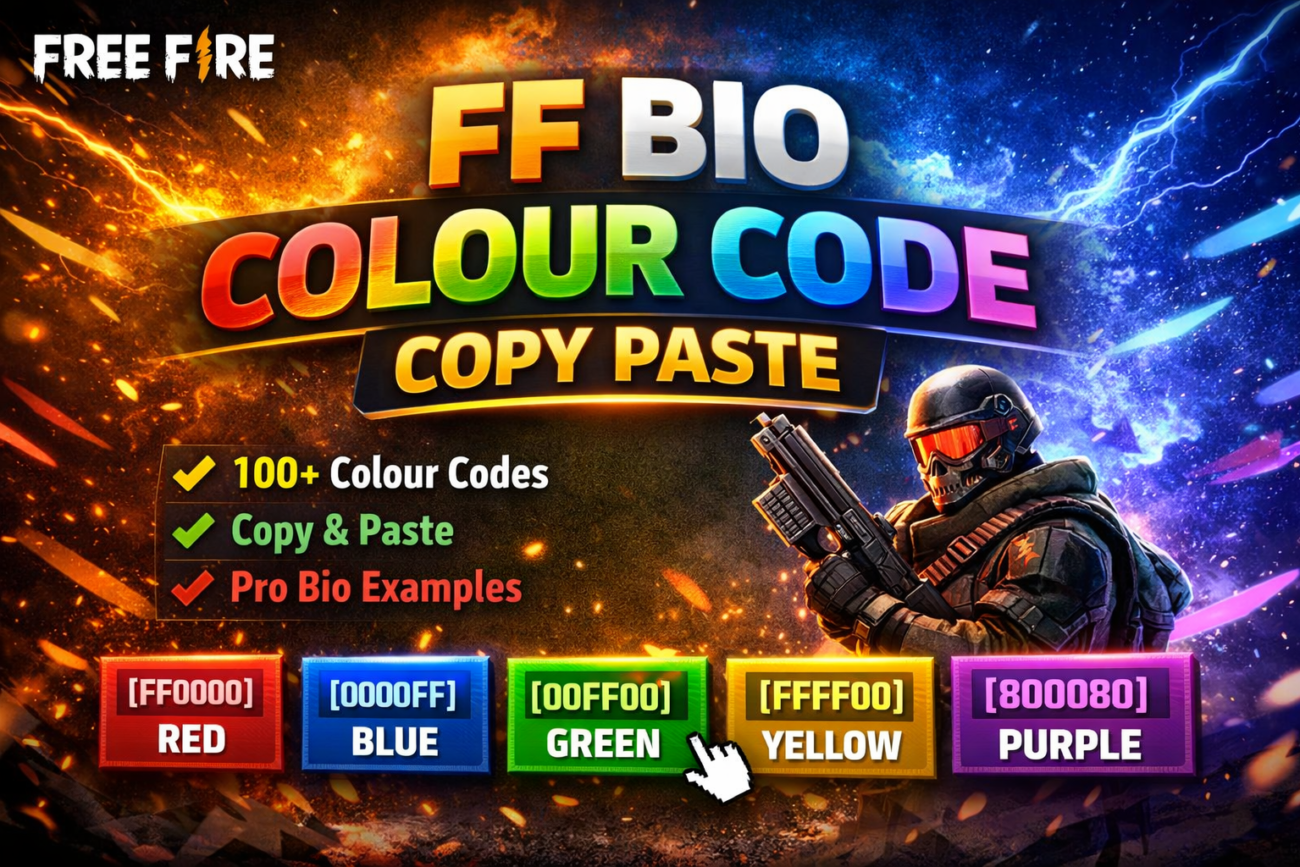
Here are some exciting free fire bio colour codes you can use:
- Red:
#FF0000 - Blue:
#0000FF - Green:
#00FF00 - Yellow:
#FFFF00 - Purple:
#800080
🔥 FF Bio Colour Code List (100 Codes)
[FF0000][00FF00][0000FF][FFFF00][FFA500][800080][FFC0CB][00FFFF][FFFFFF][000000][8B0000][006400][00008B][FFD700][ADFF2F][FF1493][1E90FF][FF69B4][7FFF00][DC143C][00CED1][9400D3][FF8C00][2E8B57][4682B4][D2691E][B22222][5F9EA0][6495ED][FF4500]These colours can help make your bio stand out, adding a vibrant touch to your Free Fire profile.
How to Use FF Bio Colour Codes
To implement these FF bio colour codes, simply copy the desired colour code from the list above and paste it into your Free Fire bio settings. Follow these easy steps:
- Open the Free Fire app and navigate to your profile.
- Select the option to edit your bio.
- Paste your chosen colour code directly into the text box.
- Save the changes and view your updated profile!
Using these FF bio colour codes is straightforward and adds customization to your gaming experience.
Conclusion
Using FF colour codes can enhance the visual appeal of your Free Fire profile. With the information provided here, you will have access to stylish colours that will impress your friends and opponents alike. Don’t hesitate to try different combinations until you find the one that perfectly represents you!
